A · Focusing
The 20-20-20 rule
20 s
Voice-guided eye exercises
A bedtime story, all the way to the last page. The thread, the needle and the light from the window. The drive home with the sun in your face. A lookout, and the whole valley. Your eyes do every bit of that, and they spend all day glued to a screen.
Taking care of them is easy today: a few minutes a day and a voice that walks you through it.
See the price and what is included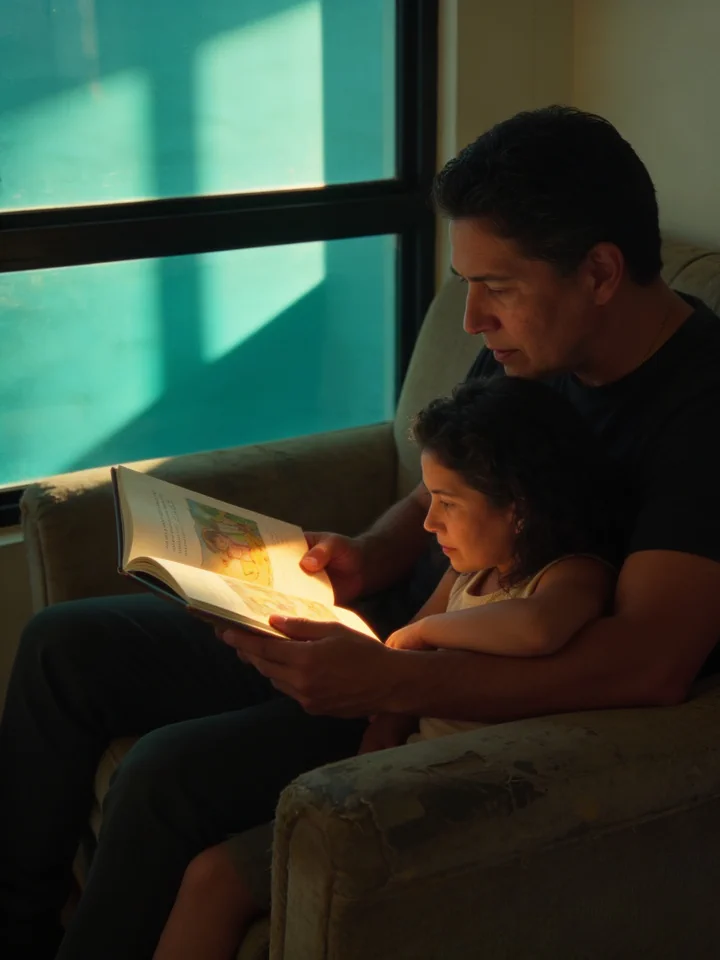
A story, all the way to the last page.
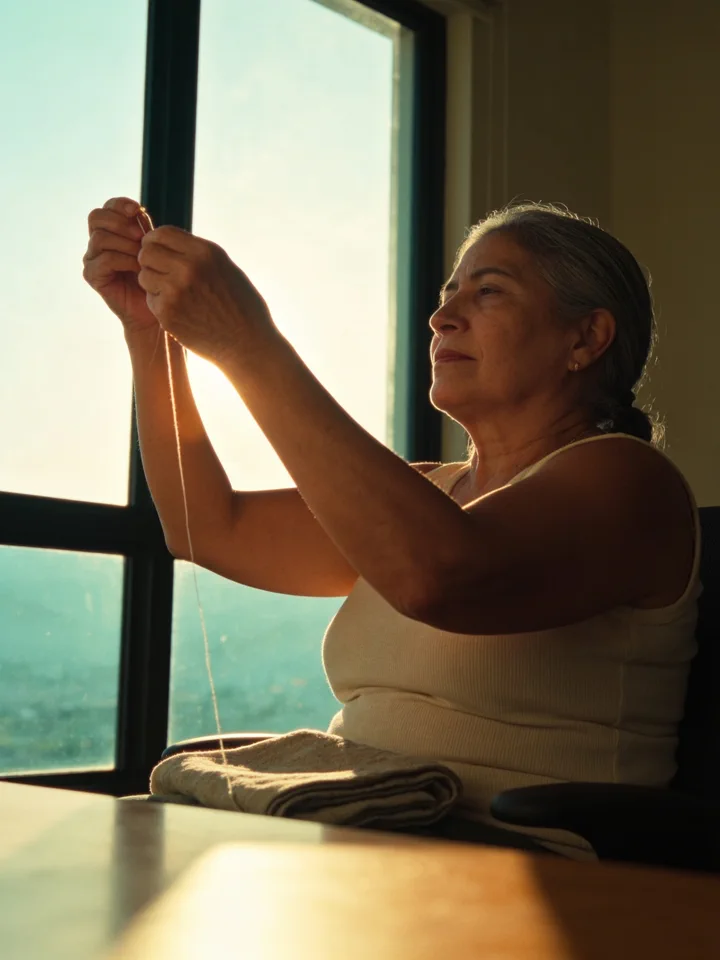
The thread, the needle and the light from the window.

The road home, with the sun straight ahead.

An overlook, and the whole valley.
01 The day you recognize
You may recognize parts of a day like this.
You may have adjusted the brightness or tried a screen filter. Now you want something practical: knowing how to take a break and follow a guided exercise, without having to work out each step yourself.
Focusing up close is not a resting position, and we blink far less than we think. None of this is a mystery: specialists have been saying for years what to do with your eyes on a day like that.
We built the platform where we show you how.
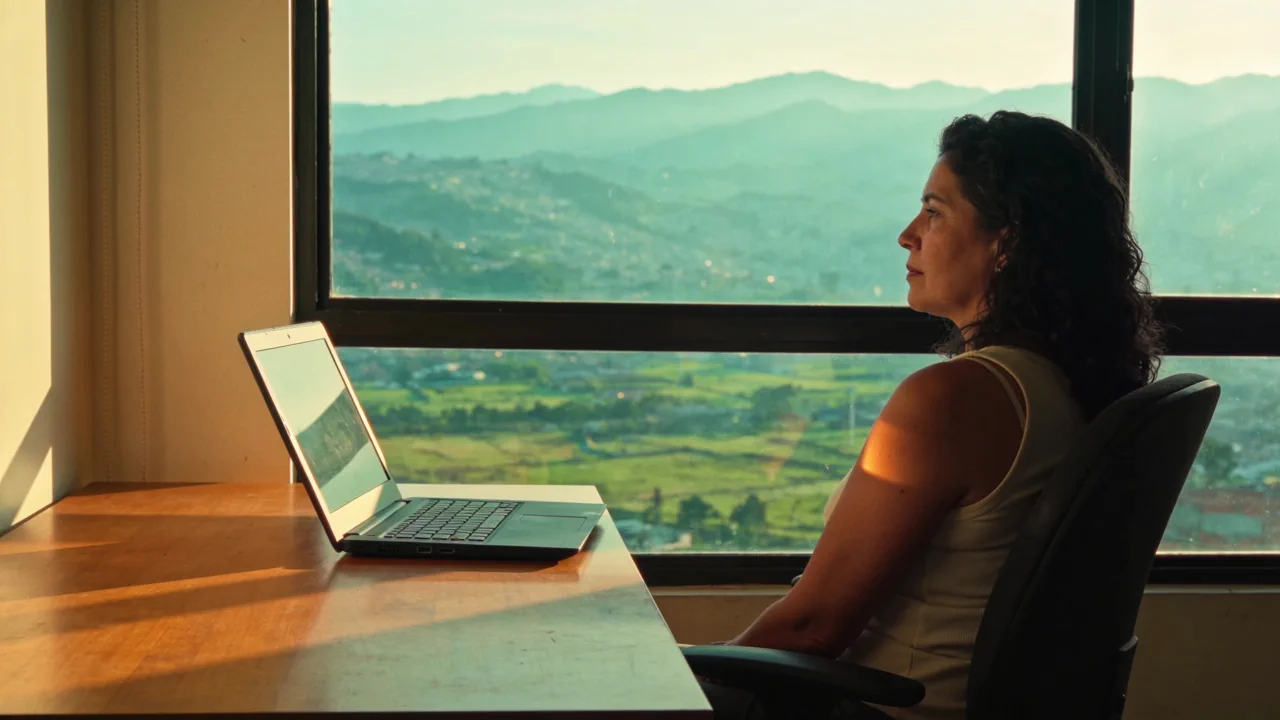
That “how” starts with a few questions about your day and ends in your routine.
For anyone who wants to take care of their eyes
In tracking exercises, a dot moves slowly and a voice tells you what to do. The path and pace are already set.
Sources in our catalog
They propose the movements. We guide you through the practice: full-screen scenes, voice instructions, a routine shaped around your day and reminders you can turn on for your chosen days and times.
The most complete platform there is for doing these exercises. Every movement with its step-by-step, the daily habits and the signs that mean it is time to see an ophthalmologist: there is no better place to do them.
Start with a few questions about your eyes and your day. Then create your account, confirm your email and see your plan summary.
An example of one of the exercises
Follow the dot. Keep your head still.
B1 · Eye rolling — circle 1 of 5
Demo ready. Use the controls to choose the movement or play it.
02 What the specialists say
We summarize recommendations, studies and anatomical references. You can read each source and see how we use it in OcularFlow.
American Optometric Association
It recommends the 20-20-20 rule: every 20 minutes, a 20-second break looking at something about 20 feet away. And a second guideline: a quarter of an hour of rest after two straight hours of screen time.
Both have a countdown. For the 20-20-20 rule, you can also turn on reminders for the days and times you choose.
American Academy of Ophthalmology
“Normally, humans blink about 15 times per minute. However, studies show that we blink only 5 or 7 times per minute when we use the computer.”
The academy recommends blinking deliberately and looking away into the distance. Here that is a guided scene, not a stray tip.
TFOS DEWS II · international consensus
The management and therapy report recommends frequent breaks and blink awareness training for anyone who spends long periods in front of a screen.
A panel of researchers from all over the world. It is one of the weightiest sources in the catalog.
Wolffsohn and colleagues · Contact Lens and Anterior Eye, 2025
In people with dry eye, fifteen close-squeeze-open cycles, three times a day for two weeks, was the optimal routine among those studied. It reduced symptoms and incomplete blinks; most improvements were lost after stopping the routine.
The sustained close in the catalog uses this study as a reference, with counted cycles and voice guidance.
NHS · Orthoptics at Royal Berkshire and Sussex
Their guides describe convergence exercises and gaze shifts between real near and distant targets. The orthoptist selects the exercises appropriate for each person and how often to practice them.
These guides are references for the gradual approach and near-far focus change. The screen explains the sequence; the practice uses physical targets.
Moran Eye Center · University of Utah
The nine positions of gaze are the map used to explore the motility of the eye: “each cardinal position is obtained primarily by the action of one muscle.”
An anatomical reference for understanding gaze positions. OcularFlow represents them in its directional sequence, with step-by-step guidance.
From reading to practice: we provide the sequence, voice and timing to guide you step by step.
03 What it looks like inside
Three paths you will follow with your eyes, and three pieces exactly as you find them inside: what each one is called and how long it takes.
The circle. Slowly, without moving your head: your gaze goes all the way around.
The figure eight. It crosses through the center and switches sides without stopping anywhere.
Near and far. From your thumb to the window and back: the eye shifts focus.
A · Focusing
20 s
E · Relaxation
45 s
E · Relaxation
2 min
04 What you get
In guided practice, voice and subtitles take you through each step. Gather what you need, get into position and begin.
It starts with your answers: your workday, your symptoms, your preferences. Movements can vary between sessions. You can resume an unfinished session and update your answers when your day-to-day life changes.
The exercise fills the screen. For gaze paths, a dot sets the pace and direction. For other exercises, the voice and captions explain what to do with the materials you have prepared.
Voice and subtitles, 3 languages
Focusing, moving, coordinating, hydrating and resting: guided practices for your day. The catalog also includes information cards about techniques that need professional assessment.
A moment to look away during your workday. Choose the frequency, times and days, then turn on reminders. The Reminders screen shows when they can reach you, including when the platform is closed.
Coding, video editing, design, markets, radiology, video calls or a mixed workday. Each one has its own order and moments. And a quick break adapted to your profile, with up to four minutes of guided practice. Before each exercise, review the instructions and prepare at your own pace.
The height and the distance of the screen with the numbers from the American Optometric Association, the lighting, the water you don't drink and unplugging on the weekend.
You calibrate the screen with a bank card, repeat the same visual reference every time and compare yourself with yourself. A one-page report to bring to your specialist. No camera, no photos, nothing to upload.
Your screen and simple things you have at hand: your thumb, a clean cloth and water for the compress. Each practice tells you what to prepare before you begin.
The daily habits, one by one: how far away the screen sits, the light in the room, the air blowing on your face, the phone in bed. Plus a video series on why what happens to you happens — the muscle you are holding tight, the blink that never finishes, blue light, and what the sources actually say.
05 How you start
First, some questions about your eyes. Then about your workday, your goals and the time you have. You can review your answers before saving.
Create your account and confirm your email. See a summary of the plan's duration and frequency before activating access. The movements and their order appear once you enter.
With access active, choose your first practice. The scene fills the screen and the voice guides you. You can also turn on reminders to take a break during your workday.
06 Price
No tiers, no add-ons, nothing to unlock later on.
A single plan, with everything included from day one
US$ 49.90Per year
Your answers make the routine yours. And if we can see that what you need today is an appointment, we tell you before charging you anything.
14 days to try it. If it's not for you, we refund 100%.
You answer a few questions about your eyes and your day, then review your answers. To save the plan, you create your account with your email and a six-digit code. When you activate access, with a license code if you have one, you see your full routine: the movements, how long a session takes and how many times a week. And if your answers say that today what you need is to be seen by someone, we tell you during the questionnaire, at no charge.
Choose how much time you have for your routine and see its duration before starting. For breaks during the day, you can turn on 20-20-20 reminders: twenty seconds to look into the distance. In Reminders, set the days and times, allow notifications and check the coverage available on your device.
Yes: on your phone, your tablet and your computer, with the same account and the same routine. It installs as an app straight from the browser, without going through any store, and the paths that need more screen have a version guided with your thumb.
You can use the screen you already have. Some practices use everyday items, such as a clean cloth and water for the compress. Tracking asks for a bank card to calibrate the screen size. Each preparation tells you what you need; the cards for supervised practices explain who to do them with.
Spanish, Portuguese and English. Not just the buttons: the voice that guides you through the exercise and the subtitles for that voice too, because some people practice with the sound off or with their eyes closed.
You have 14 days to try all of it. If it's not for you, write to us and we refund 100%, no explanation needed.
We use your answers to personalize your routine and apply safety checks. After you close your account, automatic deletion of your profile, measurements and health documents takes place after thirty days. Answers to the pre-purchase screening, the record of restrictions and account records are retained.
They offer recommendations and references for different uses. The American Optometric Association recommends the 20-20-20 rule and a longer break every two hours; the American Academy of Ophthalmology recommends conscious blinking and warm compresses. NHS orthoptic guides describe convergence exercises prescribed by an orthoptist; we use them as references for the thumb approach exercise. The Moran Eye Center at the University of Utah explains the nine gaze positions in the motility exam. The catalog entries link to the sources so you can read what each one describes.
We provide guidance for practicing them: the illustrated sequence, the voice that sets the pace and a routine calculated for your day.
A story, a thread, the drive home, the whole valley. Taking care of the eyes that look at all of it starts here: a few minutes a day and a voice that walks you through it.